 Mark Hedley Jones
Cartographer SLAM Trajectory Editor
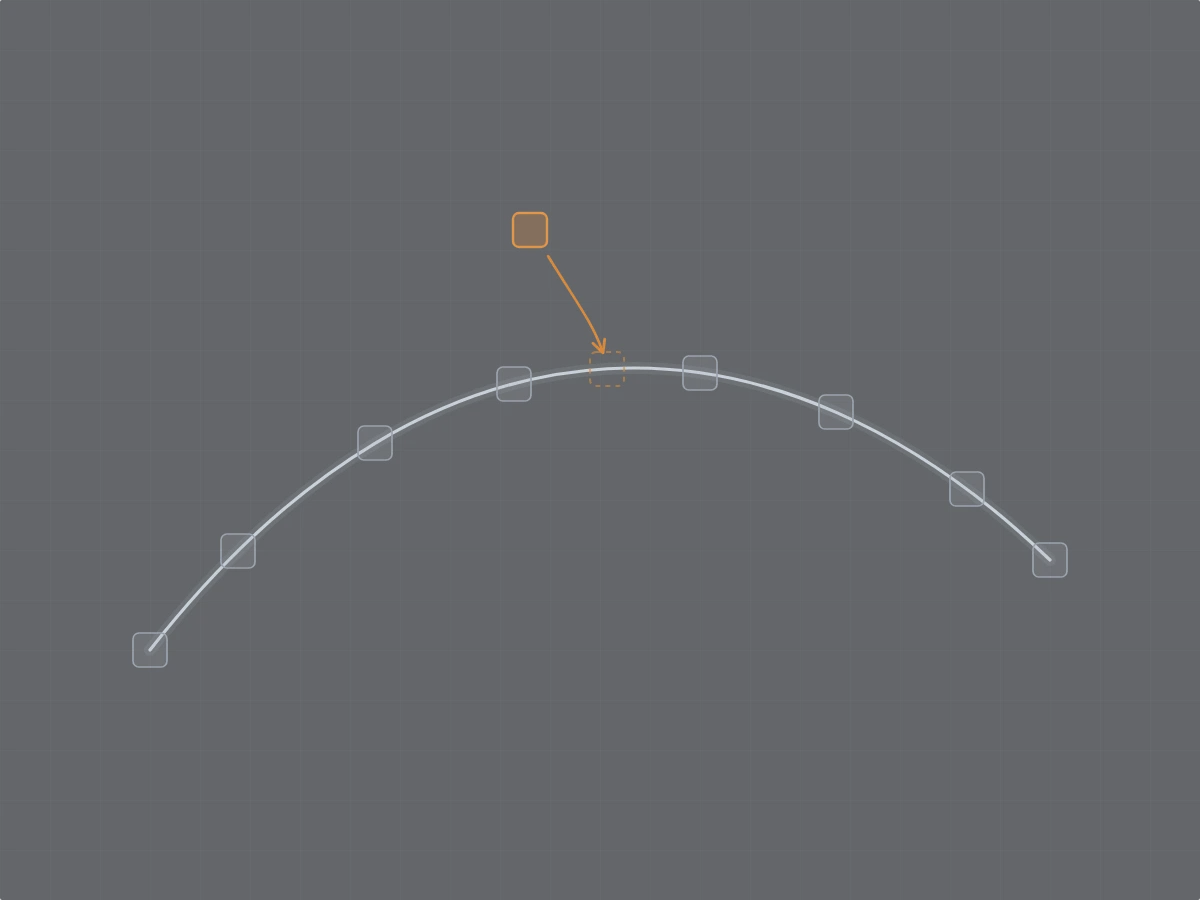
Cartographer is a SLAM system (which is fairly old now) that takes a recorded bag file (ROS terminology for a capture of a robot’s sensor data) and a robot description, and it pieces together the trajectory the robot travelled by transforming and trying to align the sensor data into a coherent model of the robot’s actual trajectory. From that output trajectory and the input bag file you can then dump your lidar points into a final point-cloud.
A trajectory is built from a collection of small regions (submaps) assembled into a global map. If some of those submaps aren’t lined up right, the whole map can become distorted. For example, sometimes your maps are bent or contain misaligned regions. This can be due to poor sensor data (sensor glitches), sub-optimal SLAM configuration, the geometry of the environment being mapped (e.g. long featureless hallways, mirrors, poor visibility), or due to the operator (moving too fast, or sub-optimal mapping path).
This tool lets you go through the submaps and line them up by hand. It also includes a re-optimiser so you don’t have to manually adjust all submaps. Instead, you can fix the alignment of some key submaps, change them from “floating” to “fixed”, and let the optimiser move all the others to try and make everything consistent again. Once your map looks the way it should, you can export the corrected trajectory and run it back through your Cartographer mapping pipeline (just the assets writer and any post-processing).
Launch Cartographer SLAM Trajectory Editor
Things to know
- Your
.pbstreamis parsed, edited, optimised, and re-written entirely client-side in JavaScript. Nothing is uploaded, so it is safe to use on private data. - It’s designed for 2D trajectories and hasn’t been tested with 3D trajectories yet. Also, because everything runs in the browser, very large bags with a lot of data may become heavy to work with, depending on your machine’s available resources.
If you’re working with GLIM and Ouster LiDARs, I also have a note on the correct T_lidar_imu transform: the documented one is missing a 180-degree rotation.